Use this AI prompt to get “free” product restock alerts
A simple way to get product restock alerts without another subscription
If you want to build a free notifier for when a hard-to-get product comes back in stock, here is an AI prompt you can use. I used something similar to get the iPhone Duo myself.
This is not magic. It is a small product availability monitor that checks a specific retailer page, looks for a useful stock signal, and sends you an email when the item appears available. The interesting part is that AI can help you create the first version without already knowing Python, GitHub Actions, SMTP, cron, or how to structure a tiny automation project.

The goal is not to create a bot that overloads a retailer or bypasses a queue. The goal is to make a personal, respectful restock alert so you can stop manually refreshing product pages all day.
The AI prompt for a beginner-friendly in-stock notifier
Copy this prompt, replace the bracketed settings, and give it to the AI coding tool you use:
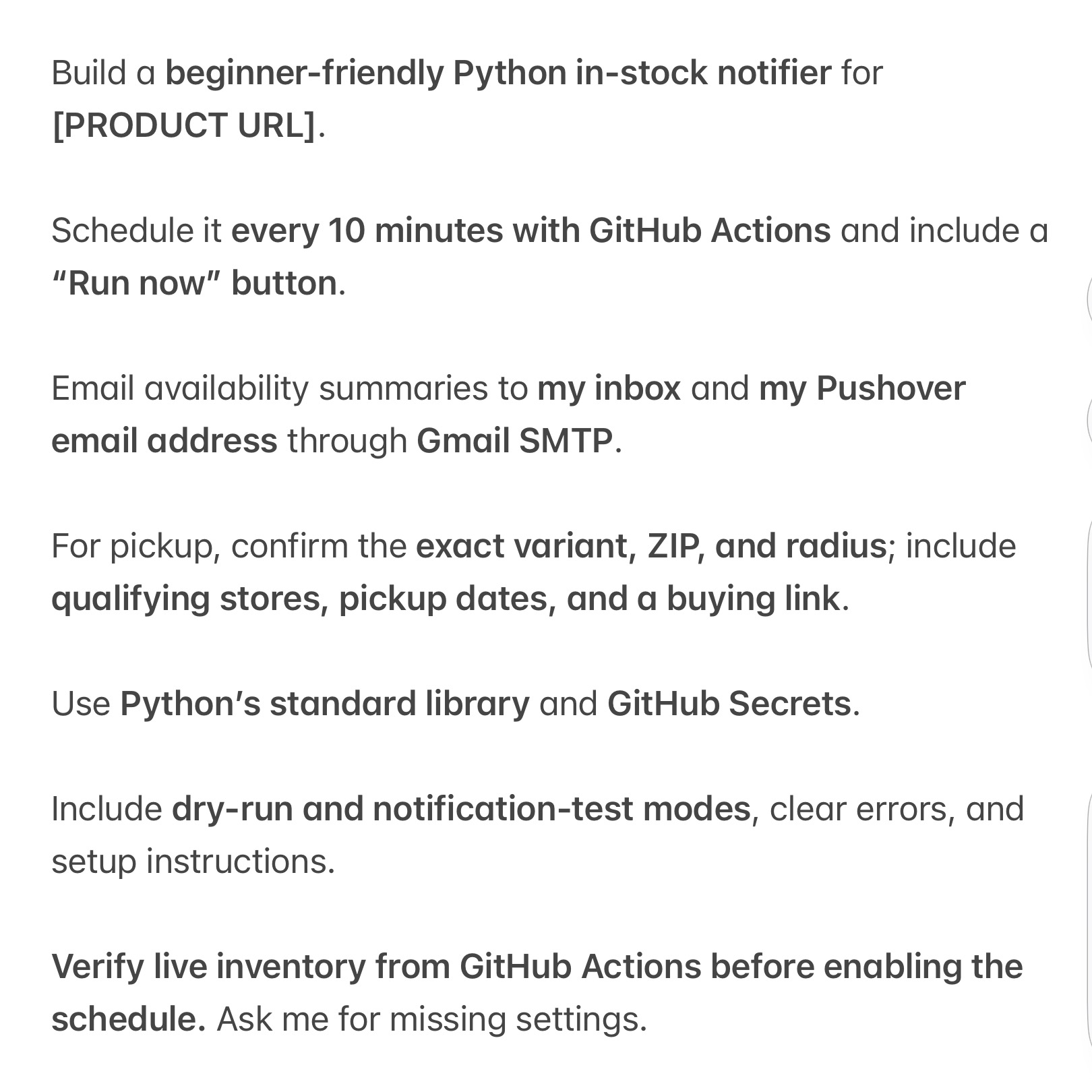
Build a beginner-friendly Python in-stock notifier for [PRODUCT URL].

Schedule it every 10 minutes with GitHub Actions and include a Run now button.

Email availability summaries to my inbox and my Pushover email address through Gmail SMTP.

For pickup, confirm the exact variant, ZIP, and radius. Include qualifying stores, pickup dates, and a buying link.

Use Python's standard library and GitHub Secrets.

Include dry-run and notification-test modes, clear errors, and setup instructions.

Verify live inventory from GitHub Actions before enabling the schedule. Ask me for missing settings.
The prompt is intentionally specific. It asks for the product URL, a regular schedule, a manual run, private configuration, meaningful alert details, and a way to test before you trust it. Good AI prompts describe the outcome and the operational guardrails, not just the code you want generated.
Why this can work for limited product restocks
Hard-to-get products create a predictable problem: inventory changes quickly, a retailer may show different availability by store, and one vague “in stock” message is often not enough to make a buying decision. You may care about one exact storage option, color, model, ZIP code, and pickup radius.
A useful product restock alert should answer a few simple questions:
- Is the exact variant available?
- Is it available for delivery, store pickup, or both?
- Which stores qualify near your ZIP code?
- What pickup date does the retailer show?
- Where is the direct buying link?
That is much more useful than a basic page-change notification. It means the email can tell you whether it is worth opening the page right now.
What GitHub Actions adds to the setup
You do not need to keep your computer on for this kind of notifier. A GitHub Actions workflow can run a small Python script on GitHub's runners according to a schedule, or run manually when you press the workflow's Run workflow control.
GitHub's workflow syntax documentation confirms that scheduled workflows use cron syntax, run in UTC by default, and can run as often as every five minutes. Every 10 minutes is usually plenty for a personal inventory checker, while still being respectful of the retailer's site.
One important reality check: a scheduled workflow is not a precise timer. GitHub notes that scheduled jobs can be delayed when the service is under heavy load. That means you should treat this as an alert that improves your odds, not a promise that you will always be first in line. GitHub's workflow troubleshooting guide explains the delay risk and why avoiding the exact top of the hour can help.
Keep your credentials in GitHub Secrets
The script may need private values such as an email address, Gmail app password, Pushover email address, ZIP code, product variant, or retailer session details if the site legitimately requires them. Do not paste those values directly into Python files or commit them to a public repository.
Use GitHub Secrets instead. GitHub's Actions secrets guide explains how secrets can be stored at the repository, environment, or organization level and made available only when a workflow explicitly receives them.
Your prompt should ask the AI to create a .env.example file that lists the names of required settings without their values. A simple configuration list might include:
PRODUCT_URLVARIANT_NAMEZIP_CODEPICKUP_RADIUS_MILESEMAIL_TOPUSHOVER_EMAILGMAIL_SMTP_USERNAMEGMAIL_SMTP_APP_PASSWORD
That makes the setup readable and keeps credentials out of your code history.
Why Gmail SMTP and Pushover are a nice simple combination
Python already includes smtplib, so a beginner project can send a straightforward email without adding another dependency. Python's smtplib documentation covers the standard library SMTP client.
Sending the same email to a Pushover email address is a clever extra layer. Pushover can convert messages sent to your personal @pomail.net address into device notifications, so an availability update can land in your inbox and on your phone. Pushover's email gateway guide explains how that email-to-notification flow works.
The first version does not need to be fancy. A good email subject can be as simple as Available: [variant]. The message should include the availability state, stores, pickup date, the time of the check, and a direct buying link. The useful part is clarity when you are moving fast.
Build dry-run and notification-test modes first
Do not turn on a scheduled product monitor until you know what it sees and what it sends. This is where the prompt's dry-run and notification-test requirements matter.
Dry-run mode should fetch the product data, print the parsed result, and exit without sending an alert. It helps you prove the inventory signal is real.
Notification-test mode should send a clearly marked test message without checking inventory. It proves your Gmail SMTP and Pushover delivery settings work before a real restock happens.
Finally, use the manual workflow run to verify the job from the same GitHub Actions environment that will run on the schedule. GitHub's manual workflow guide documents the workflow_dispatch event behind that button. A script that works on your laptop but fails in a hosted runner is not ready yet.
Be respectful of retailer limits and data
This is a personal helper, not a license to hammer a retailer's website. Check the retailer's terms and any public API rules before you automate requests. Use a reasonable interval, do not try to bypass anti-bot protections, and do not create dozens of parallel monitors for the same page.
You should also handle false positives. Some product pages show a generic availability message, show a product as available after the final variant is gone, or return a temporary error page. The notifier should log clear errors, avoid sending repeated alerts for the same stock state, and include the source URL so you can verify before you buy.
A practical setup checklist
Before enabling the schedule, make sure you can say yes to each item:
- I chose one exact product URL and variant.
- I confirmed the ZIP code and pickup radius.
- I saved all private values as GitHub Secrets.
- I ran dry-run mode and reviewed the result.
- I received a notification-test email and Pushover alert.
- I manually ran the workflow from GitHub Actions.
- I saw live inventory data before enabling the scheduled workflow.
- I checked the retailer's terms and used a reasonable interval.
That last test is the real one. A notifier is only useful if it detects the inventory you actually care about and gives you enough information to act.
Final thoughts
You do not have to pay for another alert service to create a useful product restock notifier. With Python's standard library, GitHub Actions, GitHub Secrets, Gmail SMTP, and a Pushover email address, you can build a personal automation that checks the exact thing you want and messages you when it is worth looking.
AI makes this more accessible because it can draft the script, workflow, setup steps, and test modes. Your job is still to give it precise requirements, protect your secrets, respect the retailer, and verify that the automation works in the real world.
Comment “AI Prompt” if you want me to DM the prompt to you, or let me know what product you would use it for.
