How to build an app people can’t stop using
Building an app people can’t stop using is difficult, but it is definitely possible.
It’s the result of solving a real problem, obsessing over the user experience, and improving relentlessly. It is not magic. The apps people naturally come back to usually earn that behavior through usefulness, trust, speed, stability, and a product loop that makes sense.
Here are some actual tools and strategies I use to try to build products people genuinely enjoy using.
Most developers spend months writing code before talking to users. We should validate first, design intentionally, and ship fast. The goal is not to make an app people are actually addicted to. The goal is to build one that is useful enough that returning feels natural.
That difference matters. Healthy app retention comes from helping people do something they already care about. Unhealthy addiction comes from manipulation, dark patterns, and friction that benefits the app more than the user.
So when I talk about building an app people can’t stop using, I mean building something people love for the right reasons.
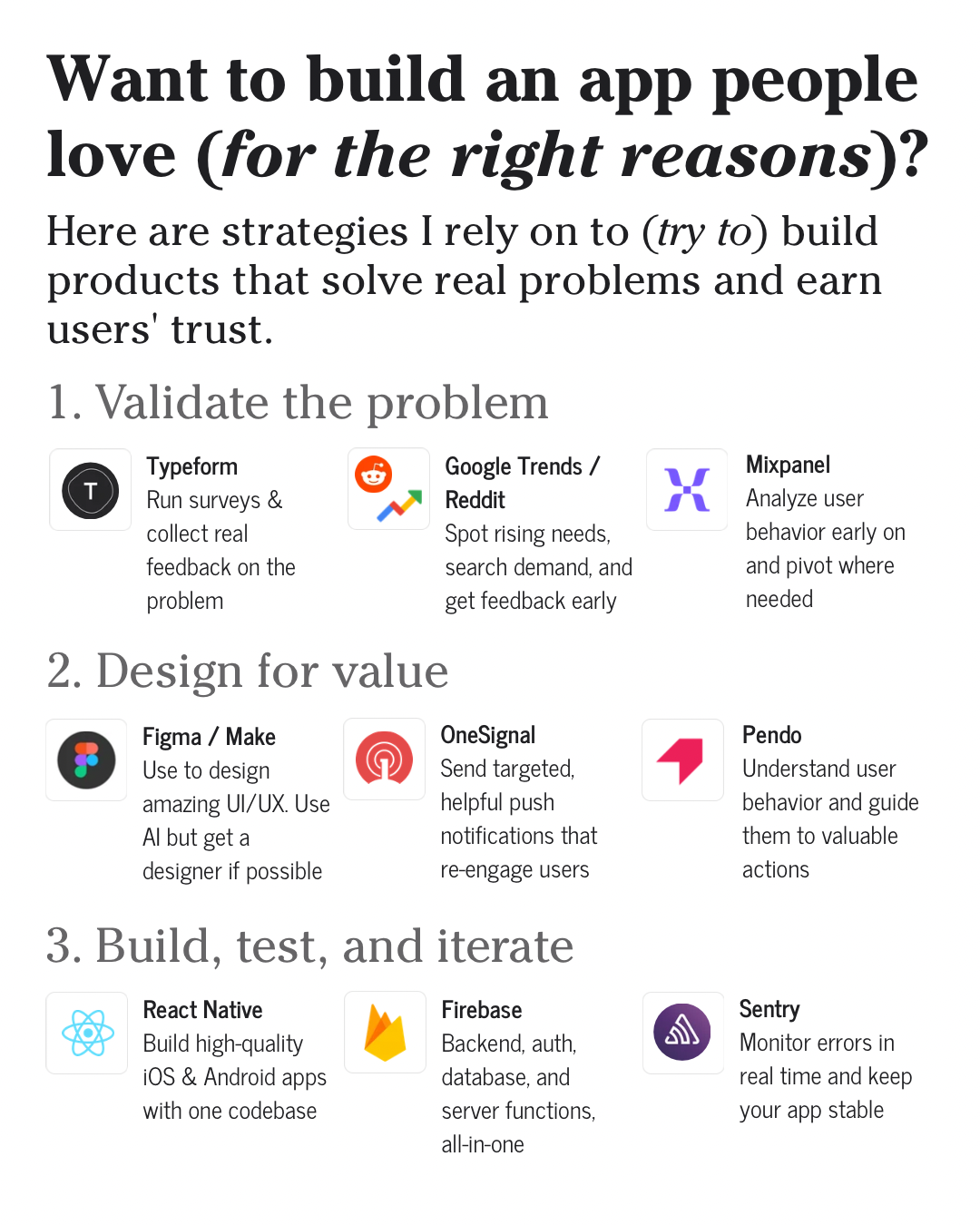
The framework is simple: validate the problem, design for value, then build, test, and iterate. Each stage has different tools, but the real skill is knowing what question you are trying to answer. Early on, you are asking whether the problem is real. Later, you are asking whether the experience is clear. After launch, you are asking whether real user behavior matches the plan.
Validate before you build
The first mistake is assuming the idea is already right. A lot of apps fail because the team builds a polished product around a problem people do not actually care about.
Before you spend months writing code, validate the problem. Find out if people have the pain, how often they feel it, what they already use, what annoys them, and whether your app would be better.
1. Typeform
I like using Typeform product feedback style surveys because they make it easy to collect structured feedback before the product gets too complicated.
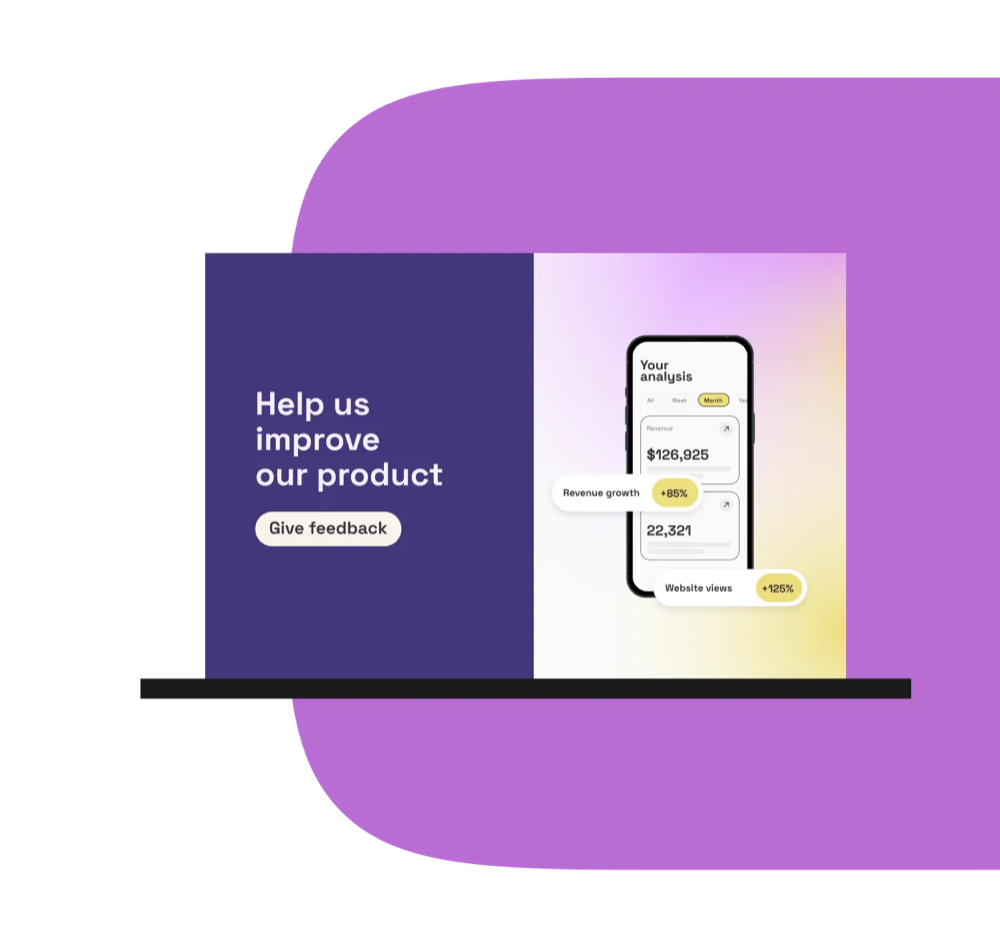
Use surveys to ask simple questions:
- What are you trying to do?
- What are you using today?
- What is annoying about that?
- How often does this problem happen?
- What would make you switch?
The point is not to treat survey answers as perfect truth. People often say one thing and do another. The point is to spot patterns before you start guessing in code.
2. Google Trends and Reddit
Google Trends helps you see whether people are actively searching around the problem. It is not perfect, but it can show rising demand, seasonality, and language people already use.

Reddit is useful for a different reason: it gives you raw user language. You can find people complaining, asking for recommendations, sharing hacks, or describing why existing products are not working for them.
That language is gold. It helps with product direction, onboarding copy, feature prioritization, and SEO.
3. Mixpanel
Once people are using the product, you need behavior data. Mixpanel product analytics can help you understand what users actually do after they sign up.
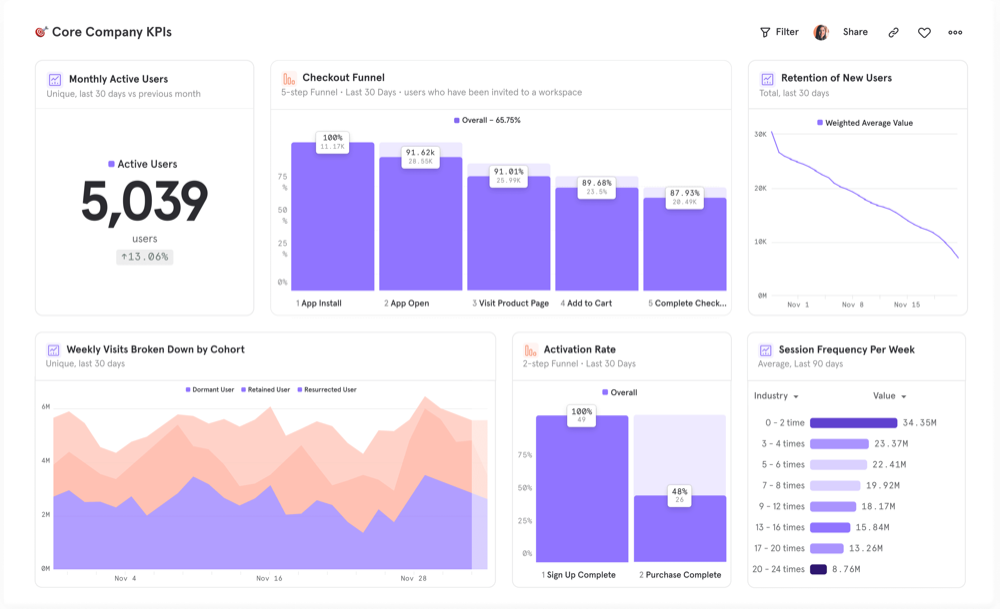
Do they finish onboarding? Do they return the next day? Where do they drop off? Which action predicts long-term app retention? Which feature looks important but barely gets used?
The goal is to pivot where needed, not defend your first idea forever.
Create experiences people actually enjoy
After validation, the next step is designing for value. A useful app can still fail if the experience is confusing, slow, ugly, or annoying.
People do not come back just because your app technically works. They come back because the app feels clear, reliable, and worth opening.
4. Claude Design, Figma, and Make
Tools like Claude Design, Figma, and Make can help you move from idea to experience faster. I use AI and design tools to explore flows, screens, user journeys, and copy before everything becomes expensive to change.
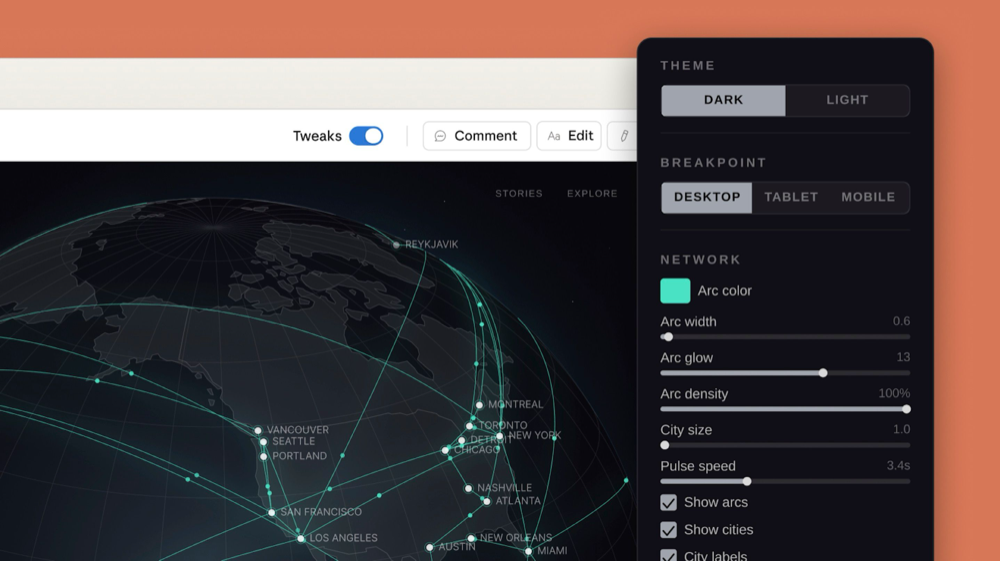
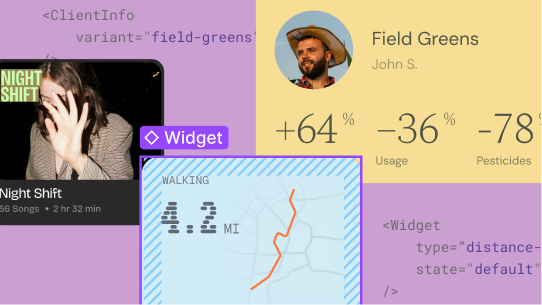

The key is not to let AI replace taste. Use it to think through options, generate rough directions, and pressure-test flows. Then make the product feel intentional.
For mobile app UX, this means asking:
- Is the first session obvious?
- Is the main action easy to find?
- Does the app reward useful behavior?
- Are empty states helpful?
- Does the user know what to do next?
Good design is not just decoration. It is how the product teaches, guides, and earns trust.
5. OneSignal
OneSignal is useful for targeted, helpful push notifications that re-engage users.
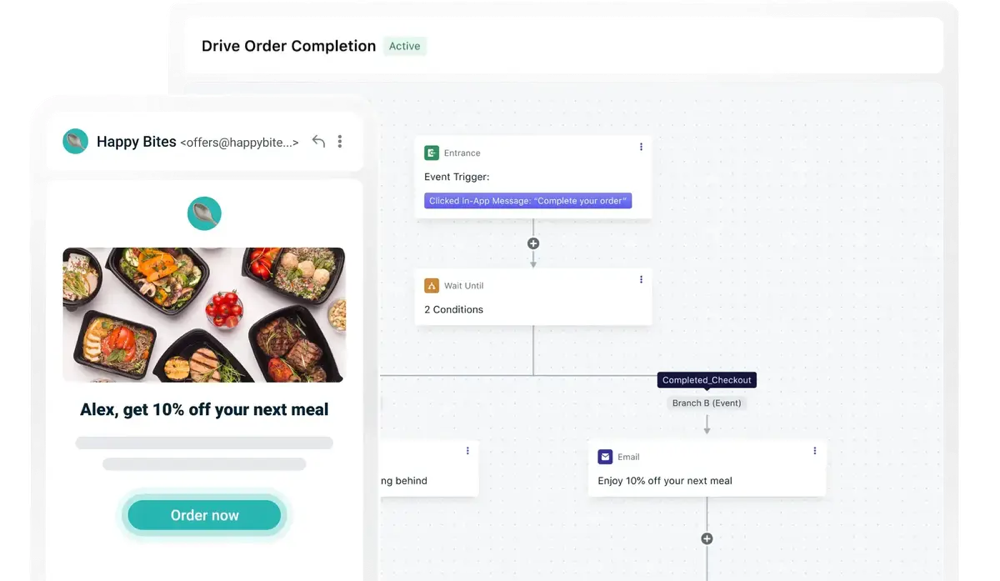
But push notifications are powerful, so they need to be handled carefully. A bad notification strategy will make people delete the app. A good one reminds people at the right time, with the right context, for something they actually care about.
Push notifications should support the user’s goals, not just your metrics. Remind someone about a time-sensitive action, tell them something changed that matters, or help them continue a habit they already chose.
6. Pendo
Pendo can help you understand user behavior and guide people toward valuable actions.
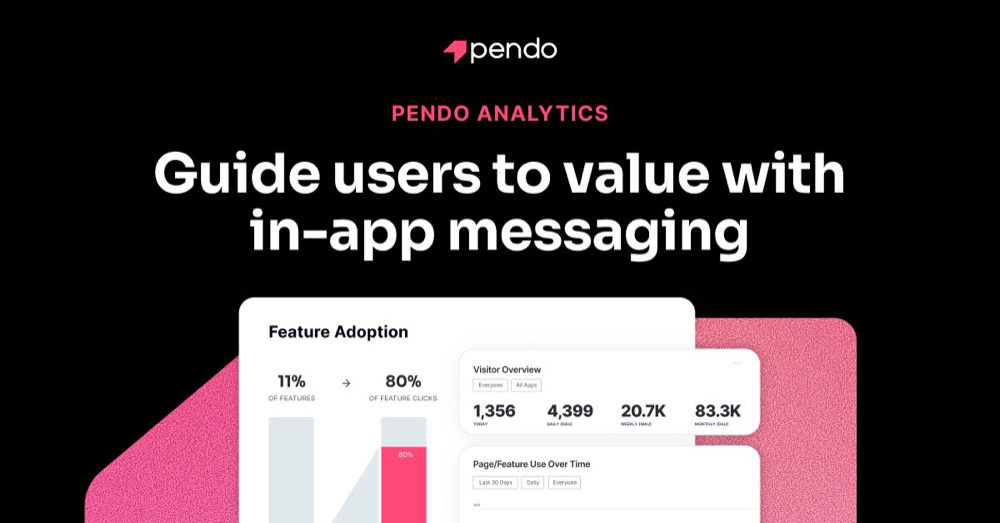
This matters because sometimes users do not churn because the app is bad. They churn because they never found the value. Maybe onboarding skipped a critical step. Maybe the feature they needed was hidden. Maybe they did not understand what the app could do.
Behavior analytics and in-app guidance can help you reduce that gap. The goal is to help users reach the moment where the app becomes useful.
Ship fast. Improve faster.
You still have to build. Validation and design are important, but eventually the product has to get into people’s hands.
The faster you can ship a stable version, the faster you can learn from real behavior. That does not mean rushing sloppy work. It means choosing tools that help you build, test, and improve without getting stuck in infrastructure forever.
7. React Native
React Native is one of my favorite tools for building high-quality iOS and Android apps with one codebase.
For a lot of products, React Native lets you move quickly without giving up the feel of a real mobile app. You can build a React Native app, test it with users, improve the UI, and ship across platforms without maintaining two totally separate apps from day one.
That speed matters because the first version is rarely the final answer. You need room to iterate.
8. Firebase
Firebase is useful because it gives you a practical backend foundation fast. Firebase Authentication helps with sign-in, and Cloud Functions for Firebase can support backend logic without forcing you to build a full server setup immediately.

For many early apps, Firebase can cover auth, database, server functions, analytics, and infrastructure needs well enough to ship and learn.
9. Sentry
If the app crashes, people leave. Simple as that.
Sentry for React Native helps monitor crashes, errors, stack traces, and stability issues. This is especially important once real users are in the app because you cannot improve what you cannot see.
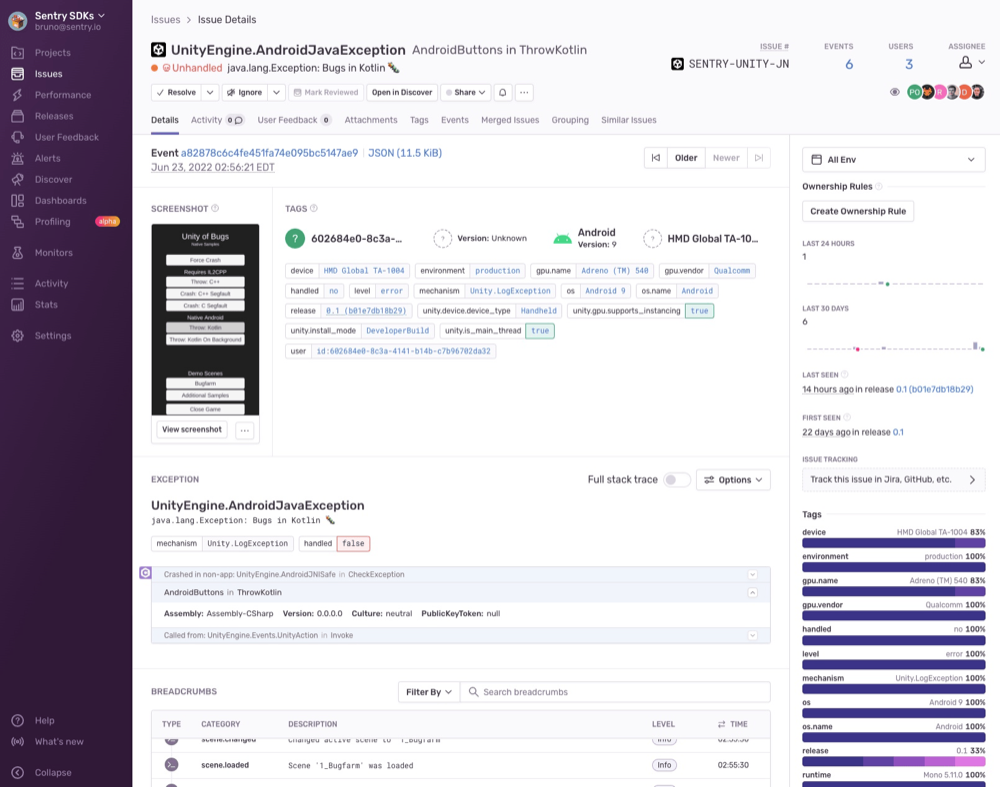
Sentry helps answer what crashed, which screen caused it, how many users were affected, whether it started after a release, and whether the app is stable enough for people to trust.
Crash reporting is not glamorous, but it is part of building an app people return to. Stability is user experience.
Final thoughts
Building an app people can’t stop using is difficult, but it is definitely possible.
It comes from validating before you build, designing for real value, shipping fast, and improving faster. It comes from watching user behavior, listening to feedback, fixing the rough spots, and refusing to confuse attention with trust.
The goal isn’t to make an app people are actually addicted to. It’s to build one that solves a real problem so well that coming back feels natural.
Thoughts?
